All of your family's health — in one private place
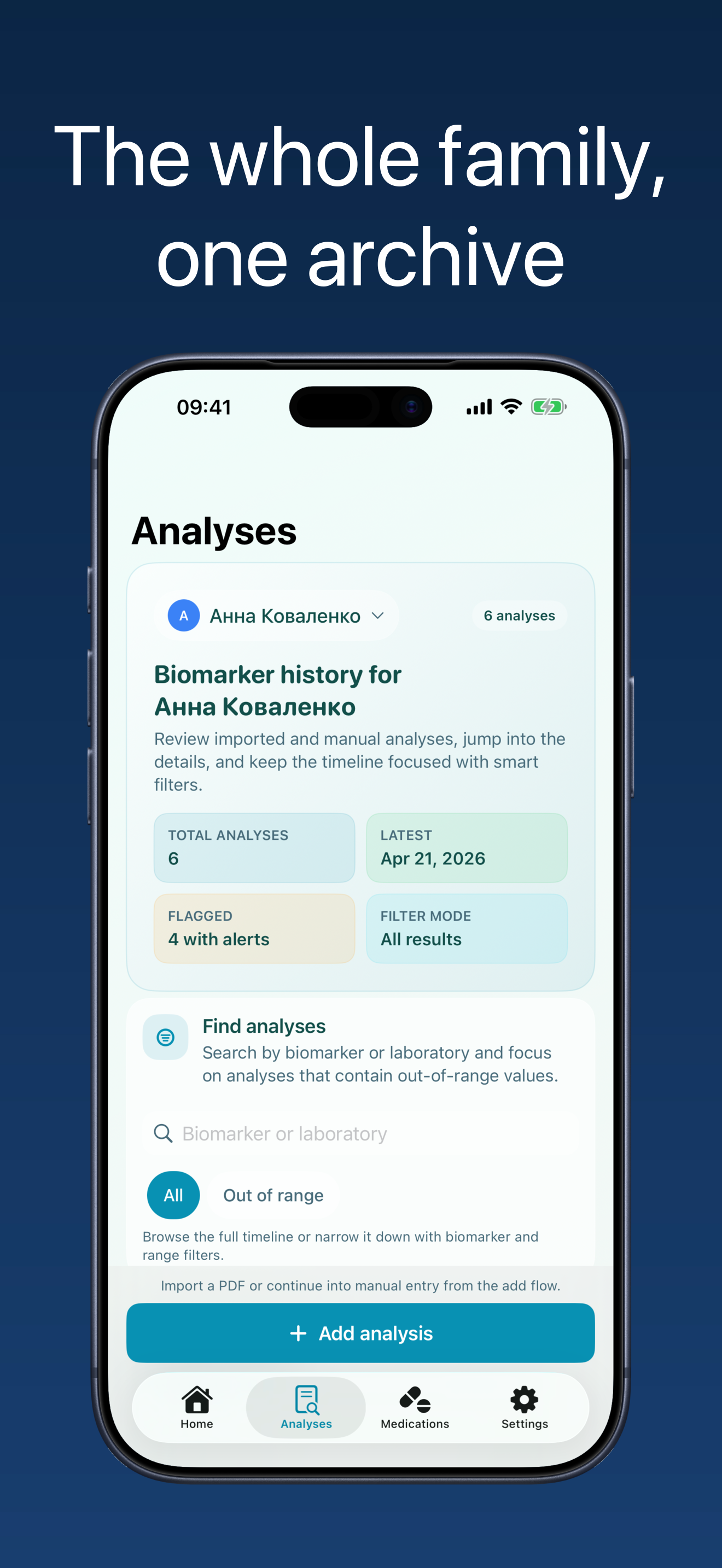
Lab results, medication courses, and your home cabinet together. Your data stays yours — on your iPhone, and family sharing (only if you choose it) runs entirely through your own private iCloud. None of our servers.
- Private by default
- No ads
- Your own iCloud
- AI PDF recognition
How it works
-
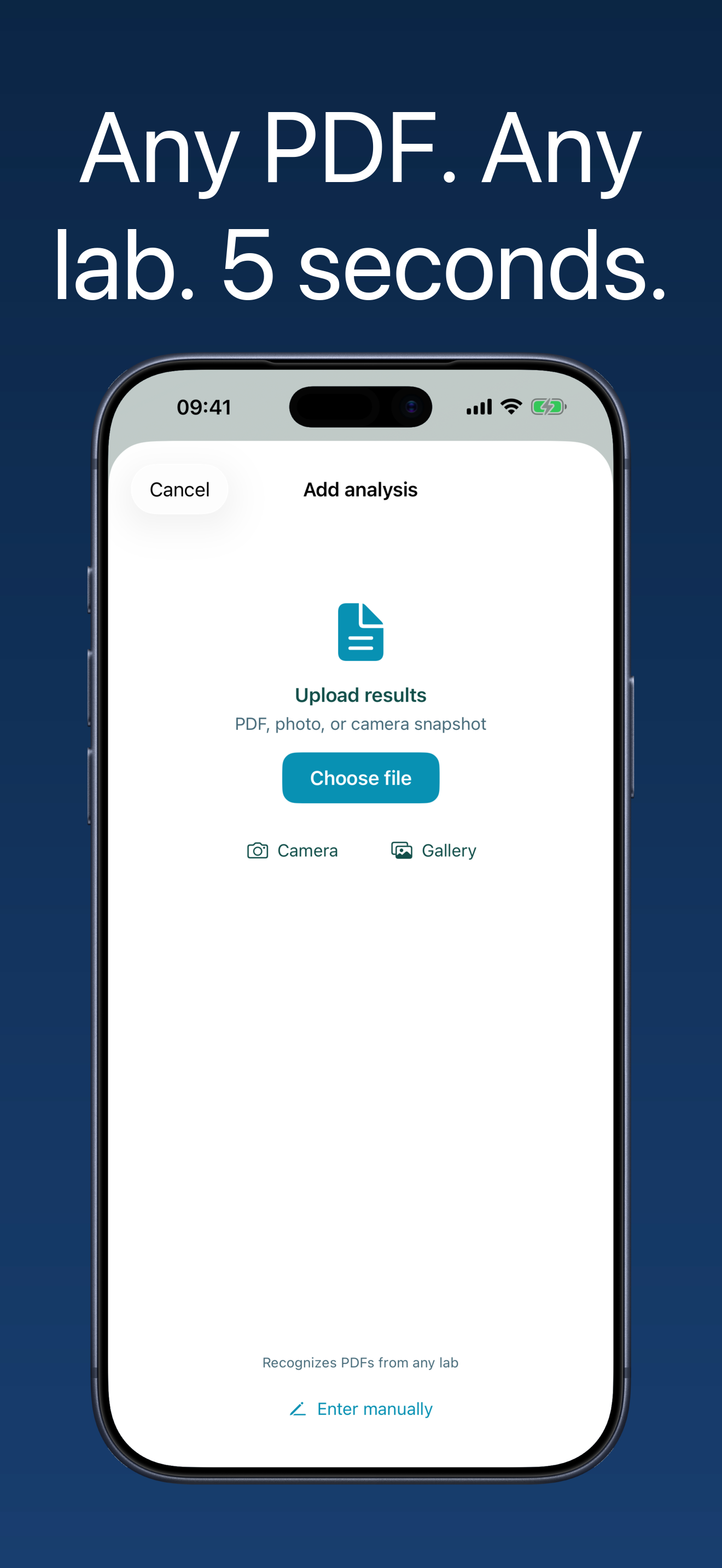
Upload your labs
PDF, HEIC, or a photo from any lab — Gemini Vision reads it automatically.
-
Track biomarkers
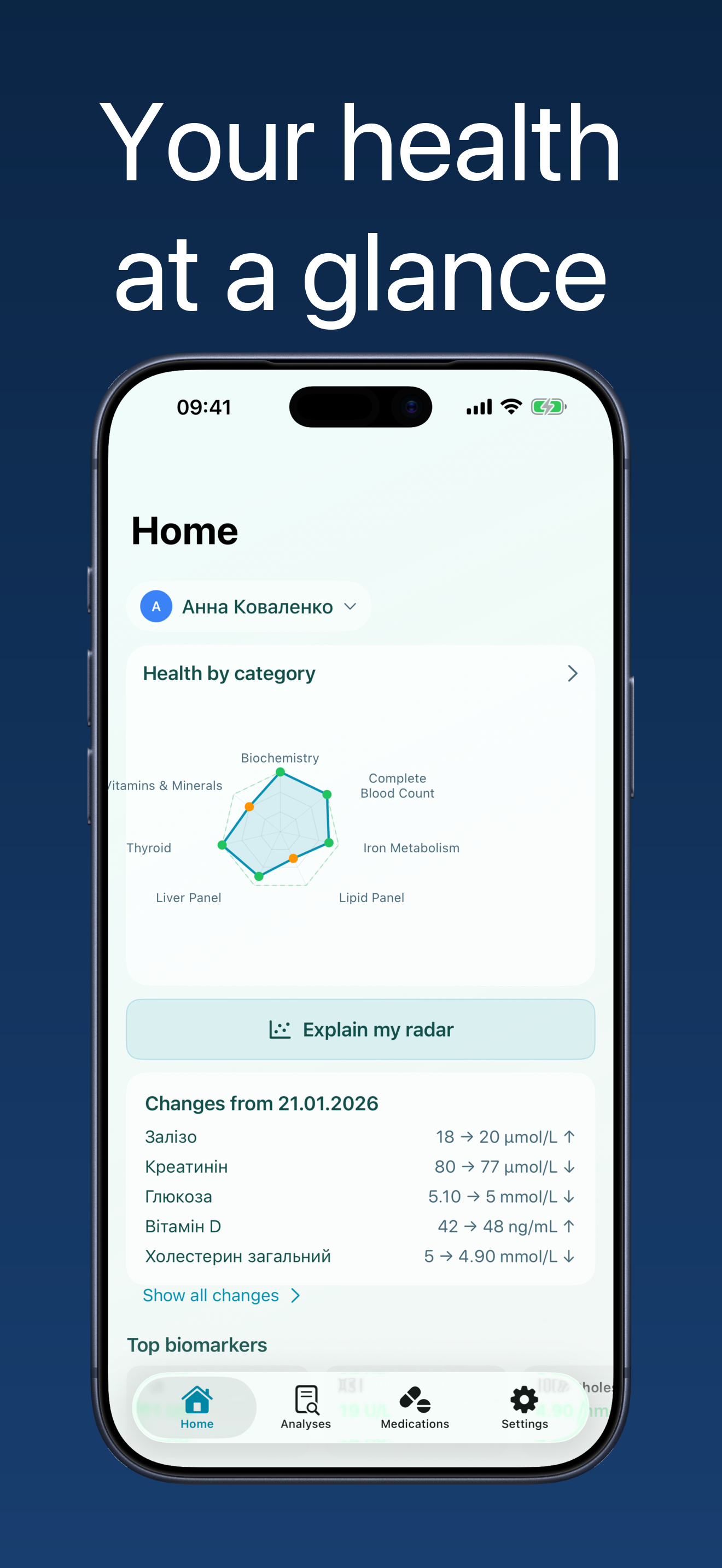
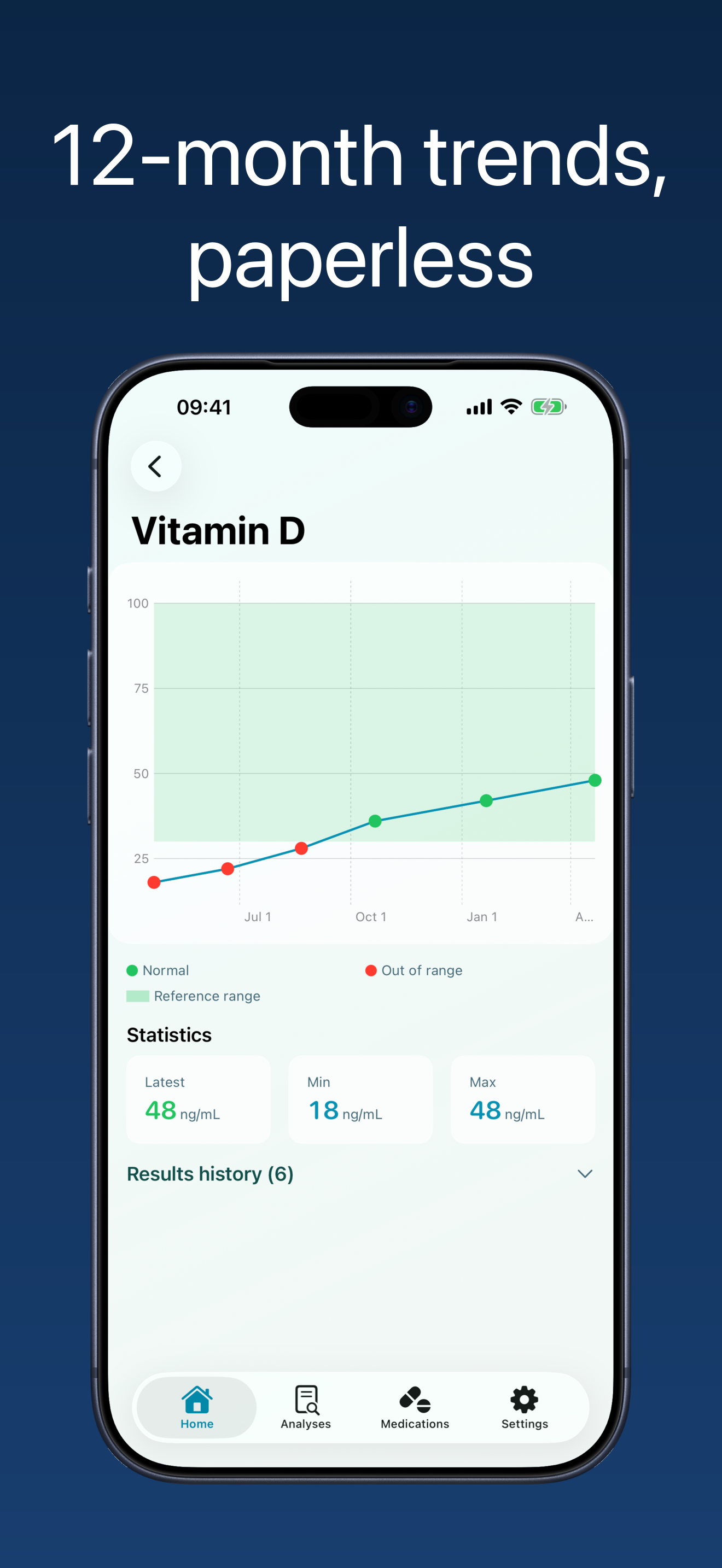
Trend charts for every biomarker over months and years. See the dynamics, understand your health.
-
Manage medications
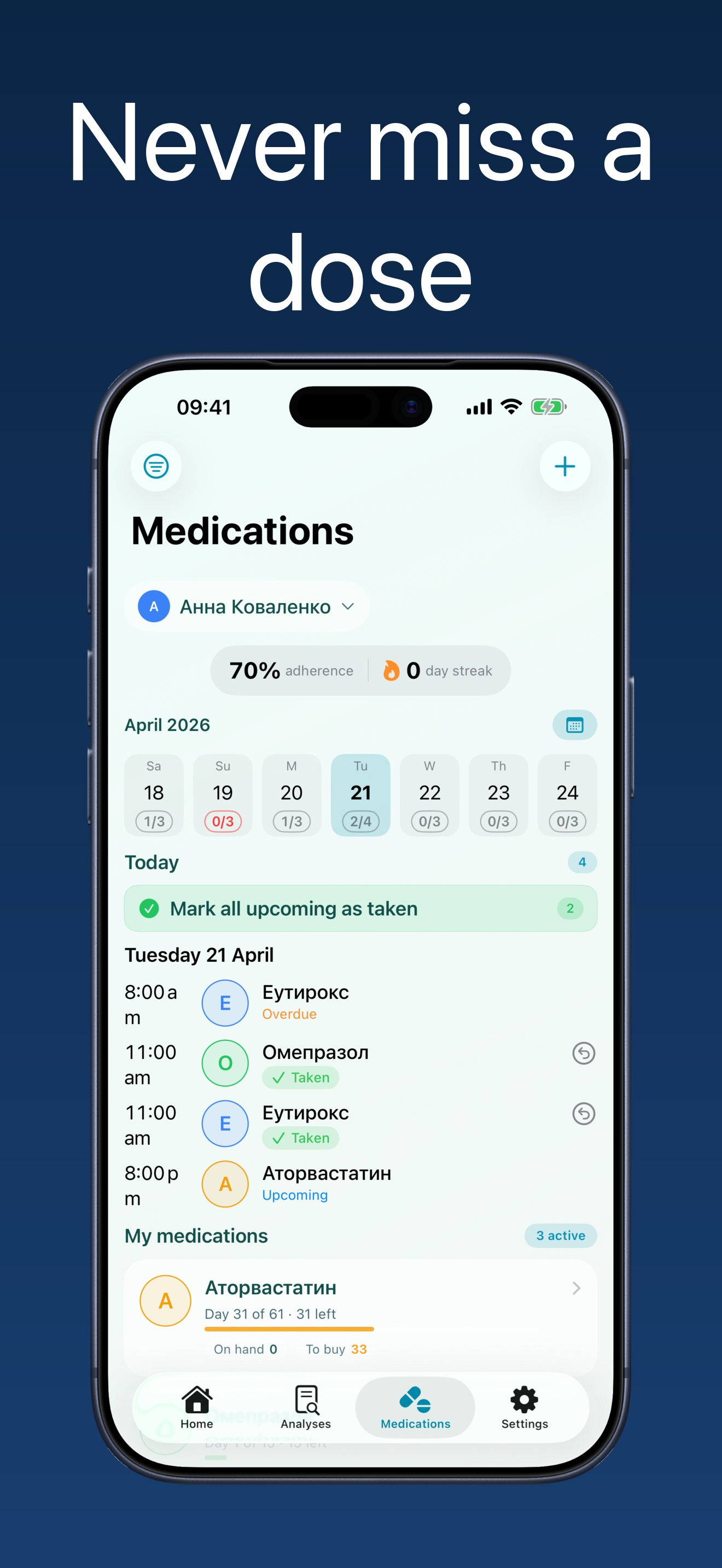
Schedule, reminders, and intake log. Inventory always up to date.
-
Control your cabinet
Expiration dates, supply levels, weekly digest. No surprises.
Everything your family's health needs
How it looks
Your data belongs to you
-
iPhone
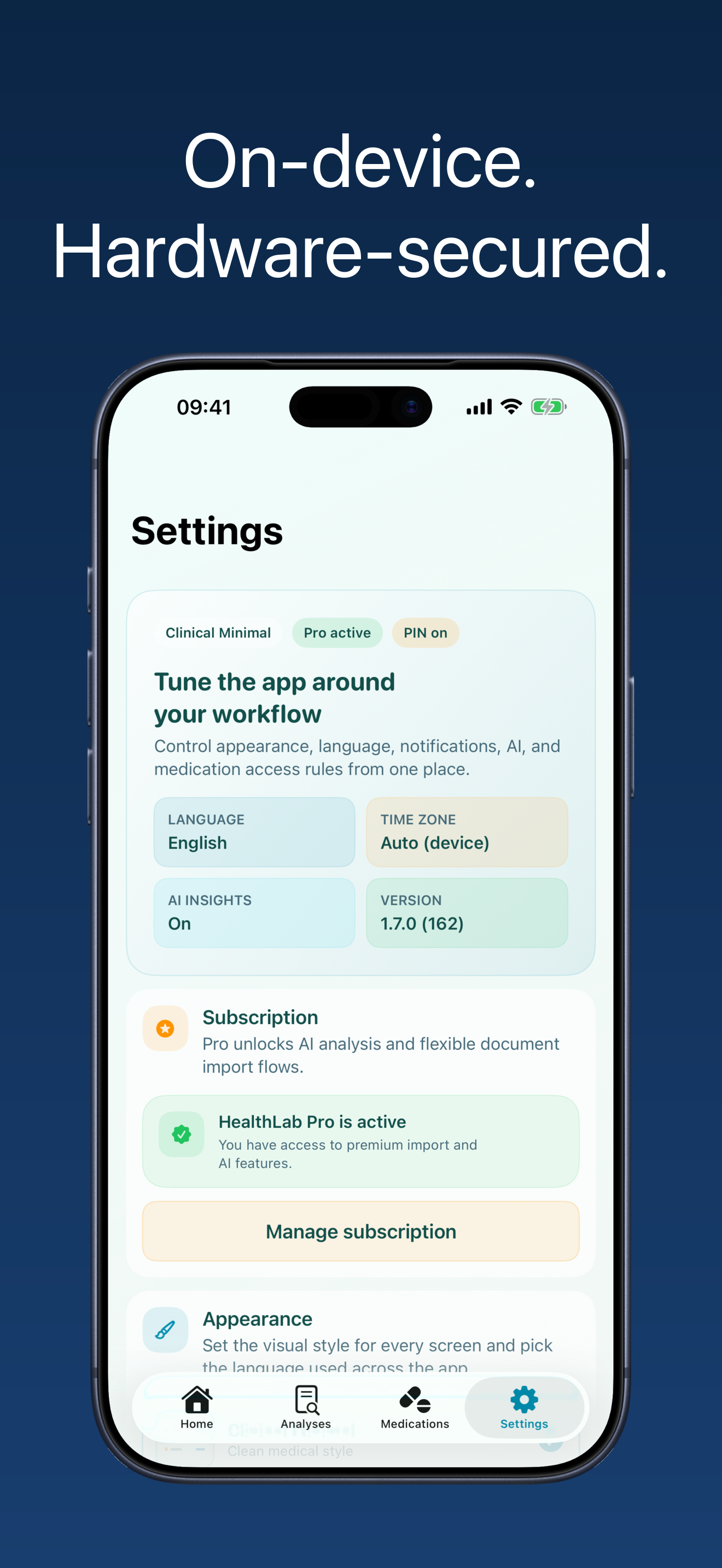
Medical records stay locally on your device through SwiftData.
-
Private iCloud
Sync is opt-in and runs entirely inside your private iCloud space.
-
Family sharing
You choose who can share your records; HealthLab never has access to them.
Every API call is authenticated via Apple App Attest with hardware-backed attestation in the Secure Enclave.
AI recognition is called through our proxy that does not log requests and deletes images after parsing.
Supported labs
All labs →Frequently asked questions
All questions →Is my data sent to a server?
No. Your lab results, medications, and settings are stored locally on your iPhone. If you turn on optional iCloud sync, that data syncs only through your own private iCloud (Apple CloudKit) — strictly between your own devices signed into the same Apple ID. It never passes through HealthLab's servers — Apple's iCloud provides the transport and storage under your own Apple ID, and HealthLab has no access to it. Family cabinet sharing is a separate feature: it shares only the cabinet contents and the restock list, not lab results. The exceptions are AI features you invoke yourself: AI recognition of lab results (PDF or photo), photo add to the cabinet, and prescription import send the image through our proxy to an AI service (no logging, deleted right after processing), and AI Summary sends de-identified biomarker values.
How does PDF AI recognition work?
Your PDF is converted to an image on-device, then sent via our proxy server to our AI recognition service. The proxy does not log requests, does not store images, and deletes them after processing. All calls are authenticated via Apple App Attest — hardware-backed device attestation.
How much does the app cost?
Core features are free forever — saving results, medications, reminders, basic trends. Pro subscription unlocks AI PDF recognition, prescription import, and future AI capabilities.
Start tracking your health for free
Available on App Store